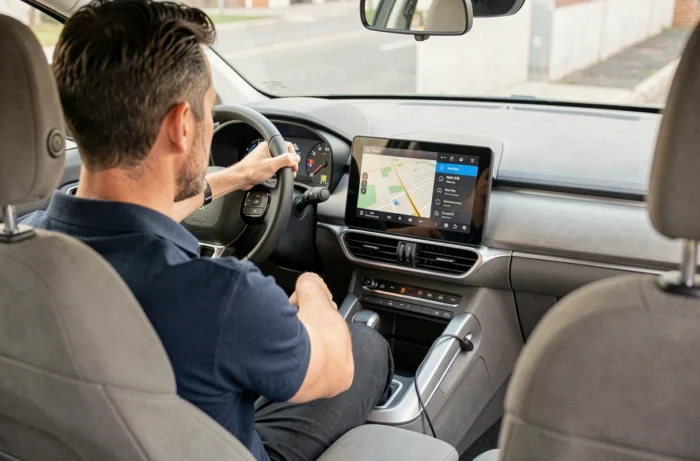
The Citroën multimedia systems are equipped with different mapping platforms depending on the vehicle generation, and the update procedure varies drastically from one system to another. Confusing a SMEG+ with a NAC or RNEG can lead to downloading incompatible files, or even blocking the system. Before any manipulation, accurately identifying the multimedia unit installed in your Citroën remains the non-negotiable technical prerequisite.
Identify the Citroën multimedia system before any map update
Citroën has deployed several generations of embedded systems over the models. The most common in the current fleet are the RNEG (eMyWay), the SMEG/SMEG+ (equipping notably the C4 Picasso, C3, DS3), the NAC (present on touchscreen models from 2016), and the recent systems under OpenR Link architecture shared with Stellantis.
Each platform uses a different map format and physical medium: dedicated SD card for the NAC, USB stick for the RNEG, or OTA download for the latest generations. The vehicle’s VIN number helps eliminate any ambiguity. We recommend checking it directly in the “About” or “System Version” menu of the multimedia touchscreen.
The procedure for performing a free Citroën GPS update entirely depends on this prior identification. For example, on a RNEG, the mapping is loaded onto a USB stick formatted in FAT32, while on a NAC, the proprietary SD card must be removed from the drawer located in the glove compartment or under the screen.

USB GPS update: RNEG procedure and common pitfalls
The RNEG system (eMyWay) remains one of the most widespread on Citroën C4, C5, and Berlingo produced between 2010 and 2017. The update involves downloading a mapping file from the citroen.navigation.com portal, then transferring it to a USB stick formatted in FAT32.
The USB stick must be inserted into the vehicle’s USB port, with the engine running (or ignition on with a sufficiently charged battery). The system should normally detect the file and start the installation. The operation takes between twenty minutes and over an hour depending on the data volume.
The issue of SD card or USB stick not being recognized
In practice, we observe a recurring malfunction: the RNEG refuses to recognize the new mapping and displays a generic error message. This bug, documented by users and technical guides, cannot be resolved simply by removing and reinserting the medium.
The fix involves accessing the hidden menu of the system. The combination consists of simultaneously pressing the 1, 2, and 3 buttons in the “Setup” menu. This menu provides access to a “System Reset (Reboot)” that forces a complete restart of the multimedia unit. After this reset, the system generally accepts the new mapping without difficulty.
This manipulation is not mentioned in the user manual or on the official Citroën portal. However, it represents the most reliable solution to this type of blockage.
NAC mapping update via SD card: steps and compatibility
Citroëns equipped with the NAC system (C3 III, C4 Cactus phase 2, C5 Aircross, Berlingo III) use a proprietary SD card containing both the navigation software and the mapping data. The procedure differs significantly from the RNEG.
- Remove the SD card from the reader (usually accessible in the glove compartment or under the touchscreen, depending on the model)
- Insert the card into an SD reader connected to a computer, then log in to the Citroën update portal with the VIN number to download compatible files
- Copy the files to the SD card without altering the existing folder structure, then reinsert the card into the vehicle
- Start the engine and wait: the system automatically installs the update upon restart
A point of caution: removing the SD card during navigation immediately disables the GPS. Some owners discover at this point that their SD card was removed by a previous owner or a workshop, which explains a “broken” GPS that is not actually malfunctioning.
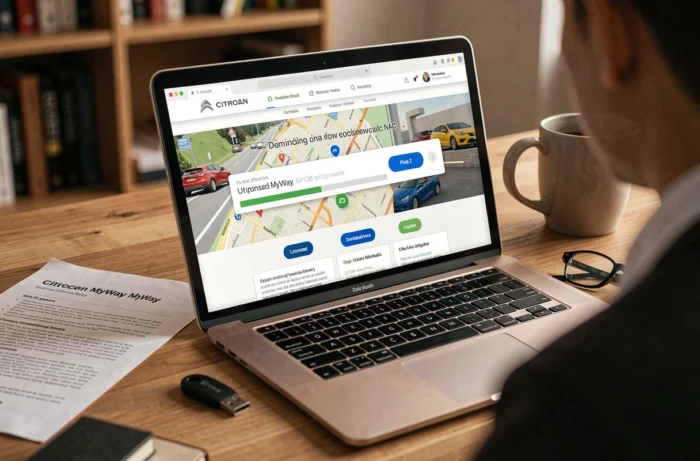
Actual free Citroën GPS updates: what is included and what is not
The free availability of Citroën mapping updates is not universal. For new vehicles, Citroën generally offers a period of free updates included in the manufacturer’s warranty. Once this period has expired, mapping files become chargeable on the citroen.navigation.com portal.
For used vehicles, the situation becomes more complicated. Access to updates depends on the VIN being linked to the current owner’s account. An unreported transfer of ownership to the Citroën portal can block access to downloads, even free ones.
Free alternatives and limitations
Community solutions exist, particularly on specialized forums like Planète Citroën, where users share links to mapping files. We recommend caution with these sources: a corrupted or incompatible file may require a workshop visit to reset the multimedia system.
The trend at Stellantis (the group to which Citroën belongs) is moving towards OTA (Over The Air) updates, already deployed at Renault on vehicles equipped with OpenR Link. This shift eliminates the need for physical manipulation (USB stick, SD card) and simplifies the procedure, but it currently only concerns the most recent models in the group.
For older Citroëns, updating the navigation system remains a manual operation. Checking the installed mapping version (accessible in the “Navigation” menu then “About” on the touchscreen) before initiating any procedure avoids downloading a file that is already present on the vehicle, which remains the most common mistake we observe.